Below are instructions for downloading, installing, and logging in to the OpenEMIS Classroom mobile app for iPhone and Android.
Steps for iPhone:
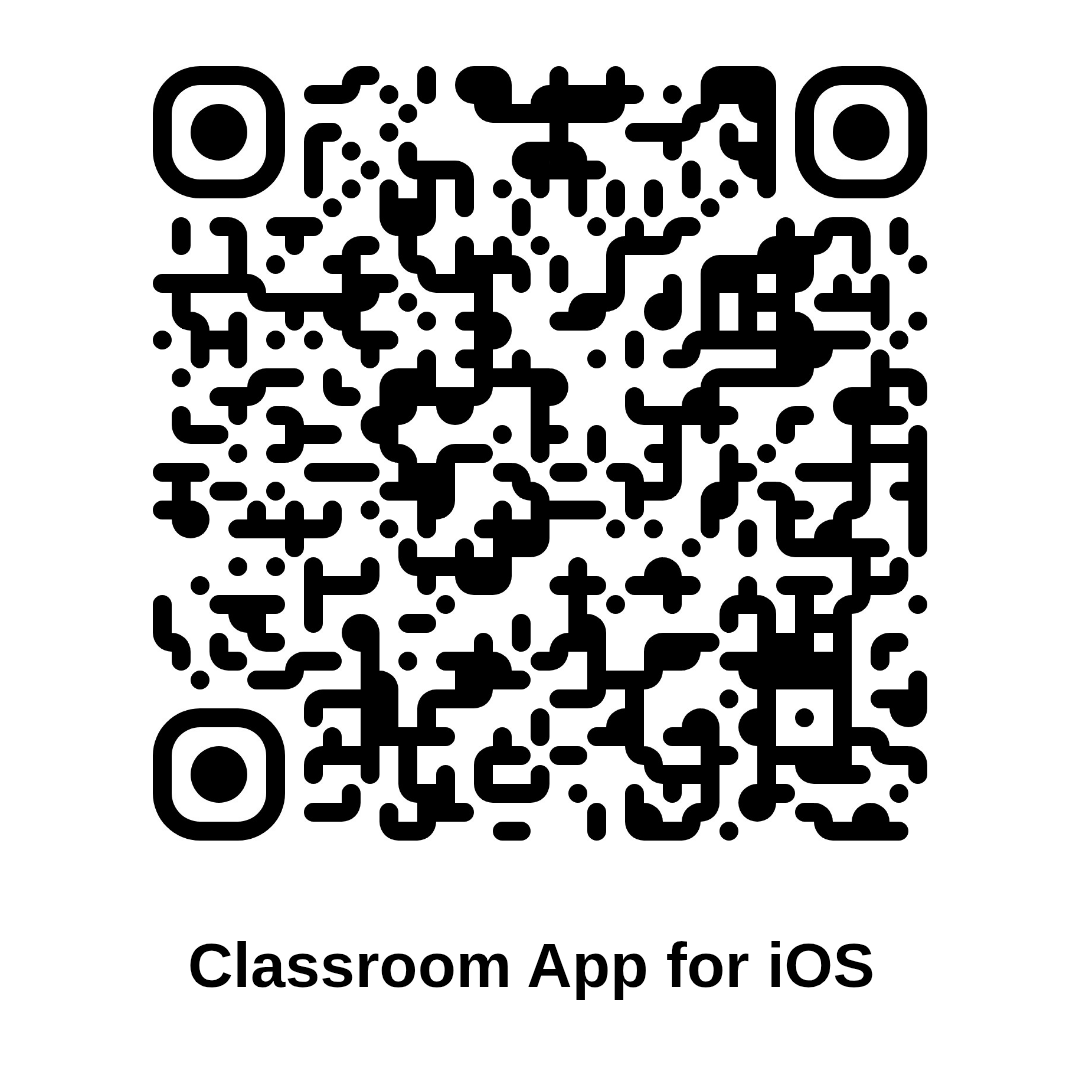
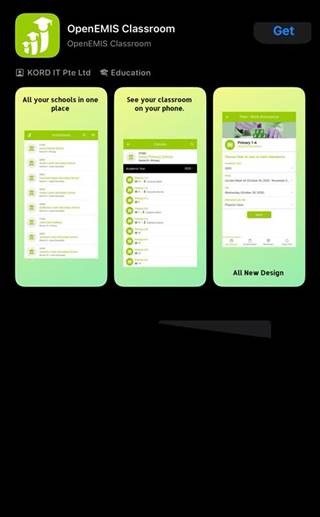
- Open App Store and search for "OpenEMIS Classroom".
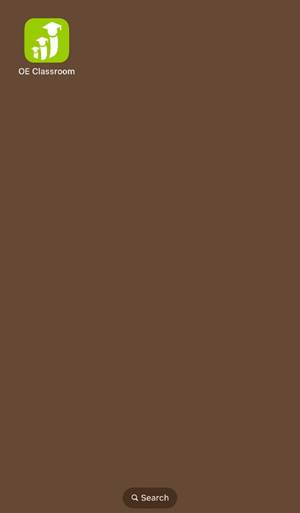
- Tap Get to download and install.
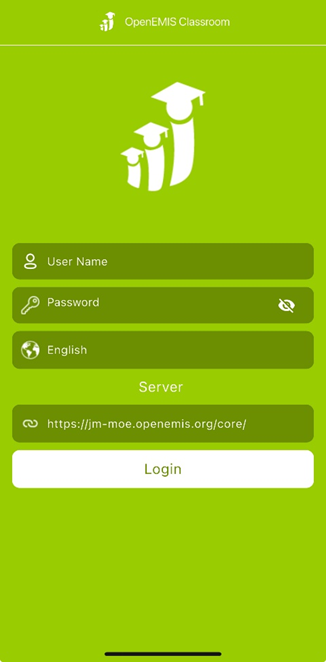
- Log in using your OpenEMIS credentials and link.
_________________________________________________________________
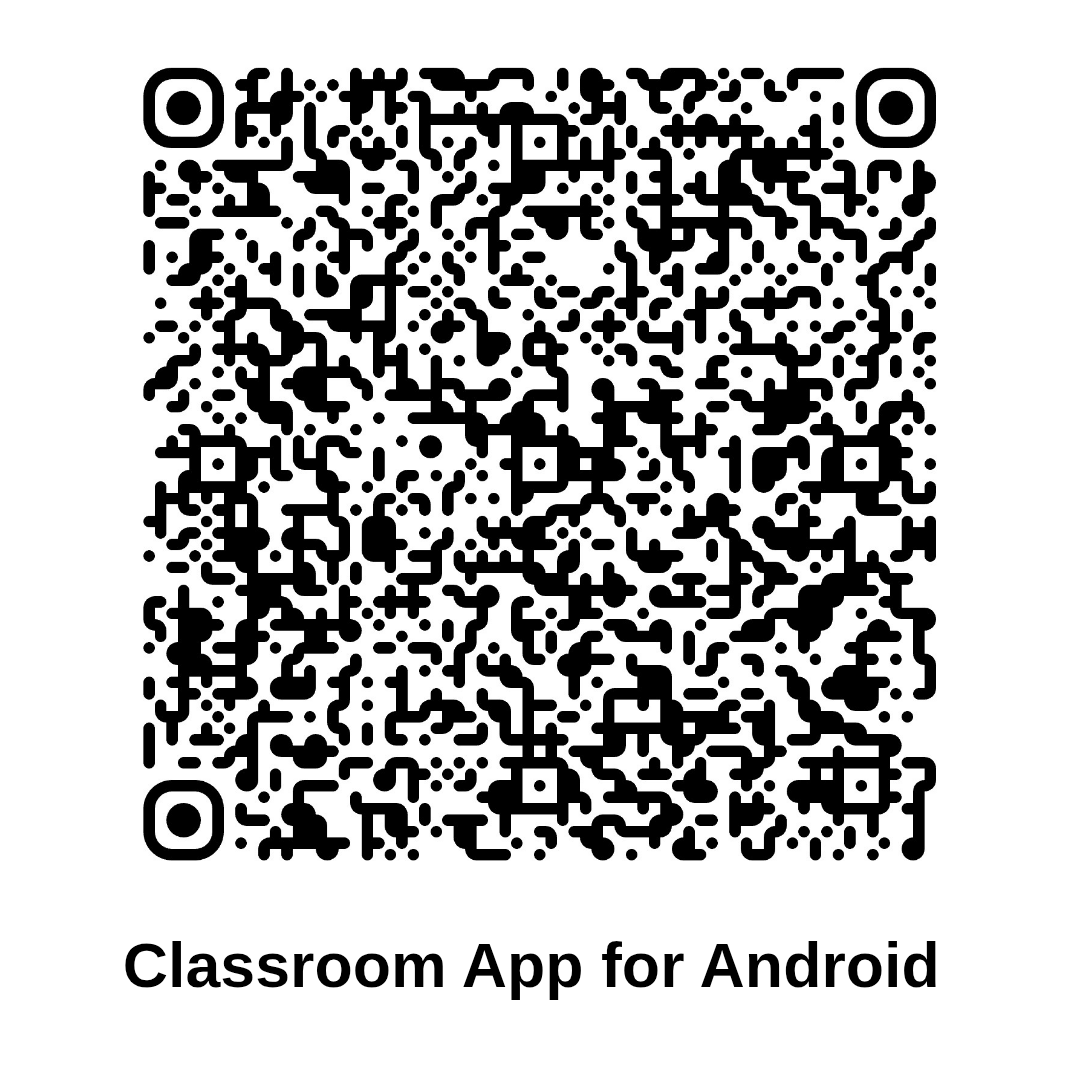
Steps for Android:
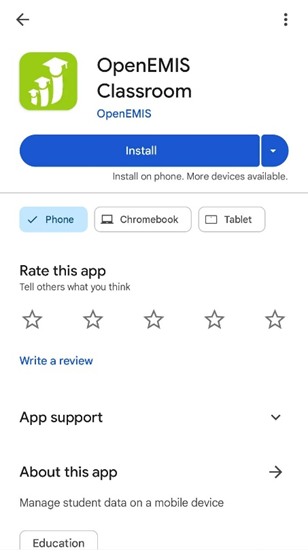
- Open Google Play Store and search for "OpenEMIS Classroom".
- Tap Install to download.
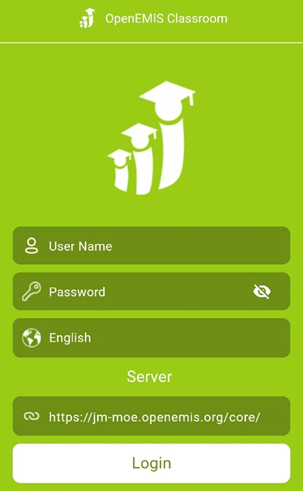
- Log in using username, password, and link.
Was this article helpful?
That’s Great!
Thank you for your feedback
Sorry! We couldn't be helpful
Thank you for your feedback
Feedback sent
We appreciate your effort and will try to fix the article